

Automation
Operate units without standing next to them
KEMPER Connect offers four tools to operate extraction and filter units without manual intervention: from sensor-driven control to a timer. They build on each other; this page helps you choose.
Overview
Four tools, one goal
| Tool | What it does | When to use it |
|---|---|---|
| Rule Engine | Continuously controls extraction units according to the measured air quality; several sensors and units in one rule; time windows for minimum operation, quiet hours, and fixed values; diagnostics; safety mechanisms. | Standard recommendation for any demand-based control. |
| Schedules (timer) | Switches units on or off at fixed times on weekdays. | Fixed operating hours without sensors, saving energy after the end of the shift. |
| Basic automation | Simple rule: one AirWatch, one threshold, units on or off. | Simple single link; superseded by the Rule Engine. |
| Email notifications | Informs people by email when an AirWatch exceeds the threshold. | Alerting the shift supervisor, occupational safety, maintenance. |
Decision aid
When to use which tool
The extraction should follow the air
Rule Engine. Sensors and units become a team: when particulate matter rises, the units ramp up; when the air gets clean, they ramp down. Time windows for night, early shift, and maintenance are part of it.
Rule EngineFixed times, no sensors
Schedules. Switch on in the morning, switch off in the evening, off on weekends: one action per schedule, on selected weekdays.
SchedulesInform people
Email notifications. When an AirWatch exceeds the threshold, selected recipients receive an email. A hysteresis prevents notification spam.
NotificationsA single link
Basic automation: one AirWatch, one threshold, units on or off. Remains available for single links; for new installations, the Rule Engine is the recommendation.
Do not control the same unit twice
Schedules switch regardless of air quality. If you want to combine time frames and air quality control, use the time windows within a Rule Engine rule (minimum operation, quiet hours, fixed value), because there the automation knows both settings and resolves conflicts according to fixed rules.
Standalone schedules and the Rule Engine should not control the same unit. If a site still has rules from basic automation, the Rule Engine warns about double control.
Which devices
Triggers and targets
AirWatch as trigger
All variants (AirWatch 3.0, LTE Europe, LTE America) deliver the reading for the Rule Engine, basic automation, and email notifications.
Units as targets
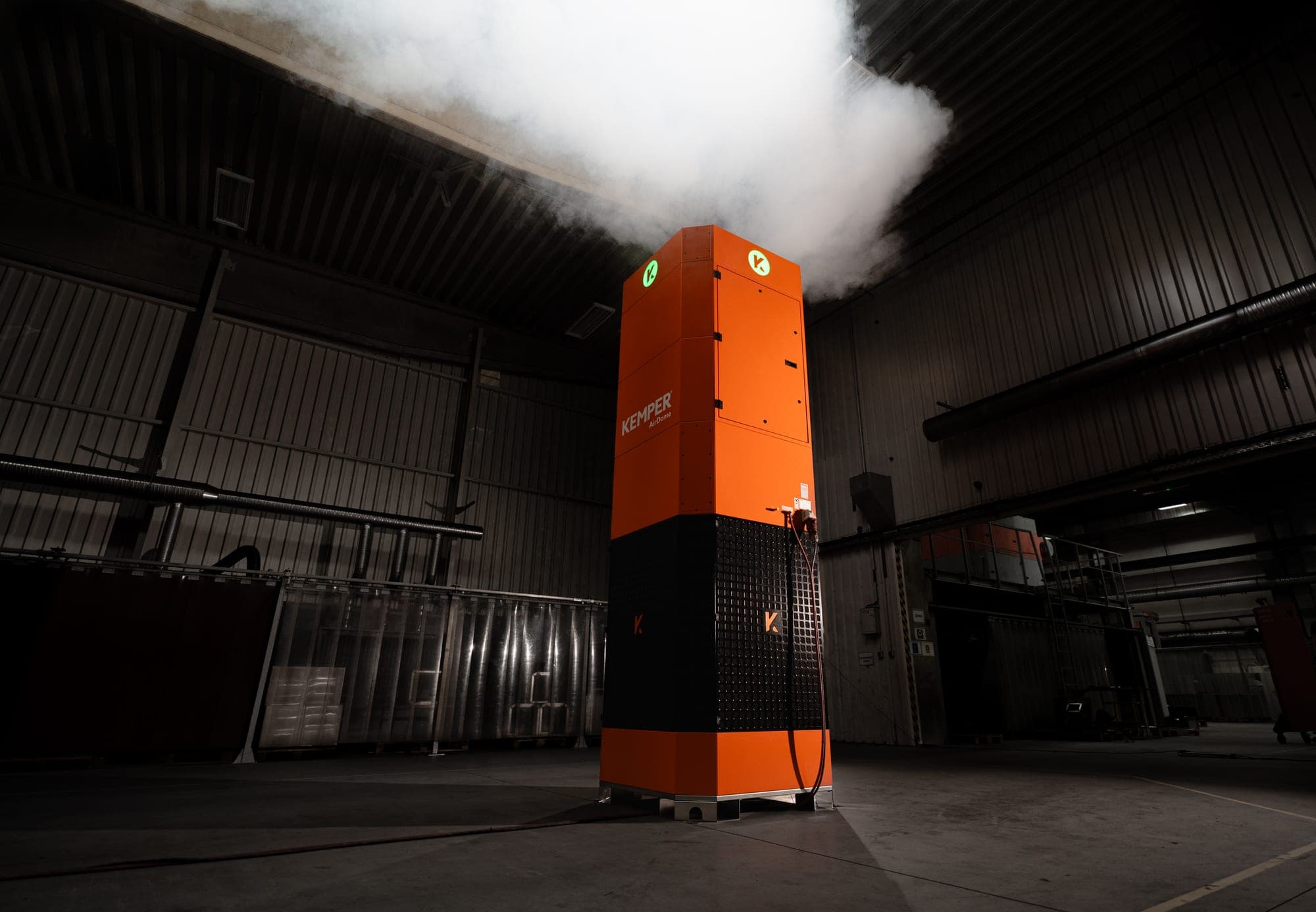
AirDome (continuously in the Rule Engine), CleanAirTower, VacuFil Compact, MaxiFil Clean, and Automation Line, natively or through the KEMPER Connect Bridge, as well as the PLC-controlled filter units on the KEMPER Connect IoT Kit. The CleanAirTower SF 9000 is a target of schedules and basic automation.
Monitoring only
VacuFil 125 and the climate and noise sensors are not automated.
Which automation fits your hall?
We look at your units and shifts and show you the right setup.