

Devices · MaxiFil Clean
Make filter replacement predictable
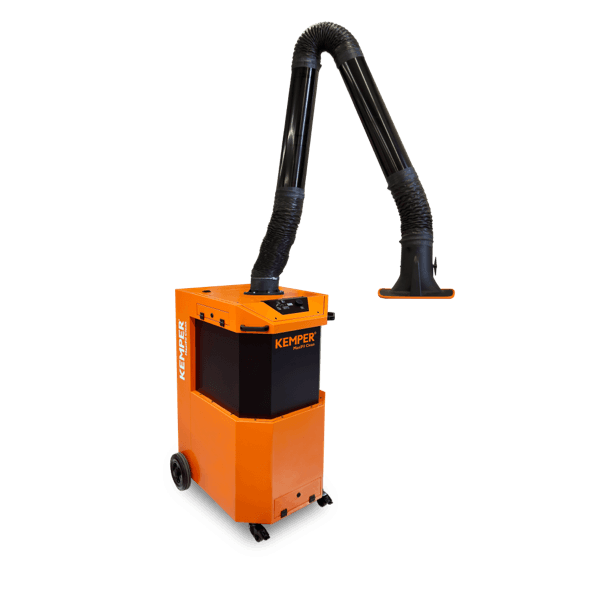
The MaxiFil Clean is an extraction and filter unit connected via the KEMPER Connect Bridge. Its filter pressure shows the saturation of the filter, and with it the upcoming filter replacement, before performance drops.
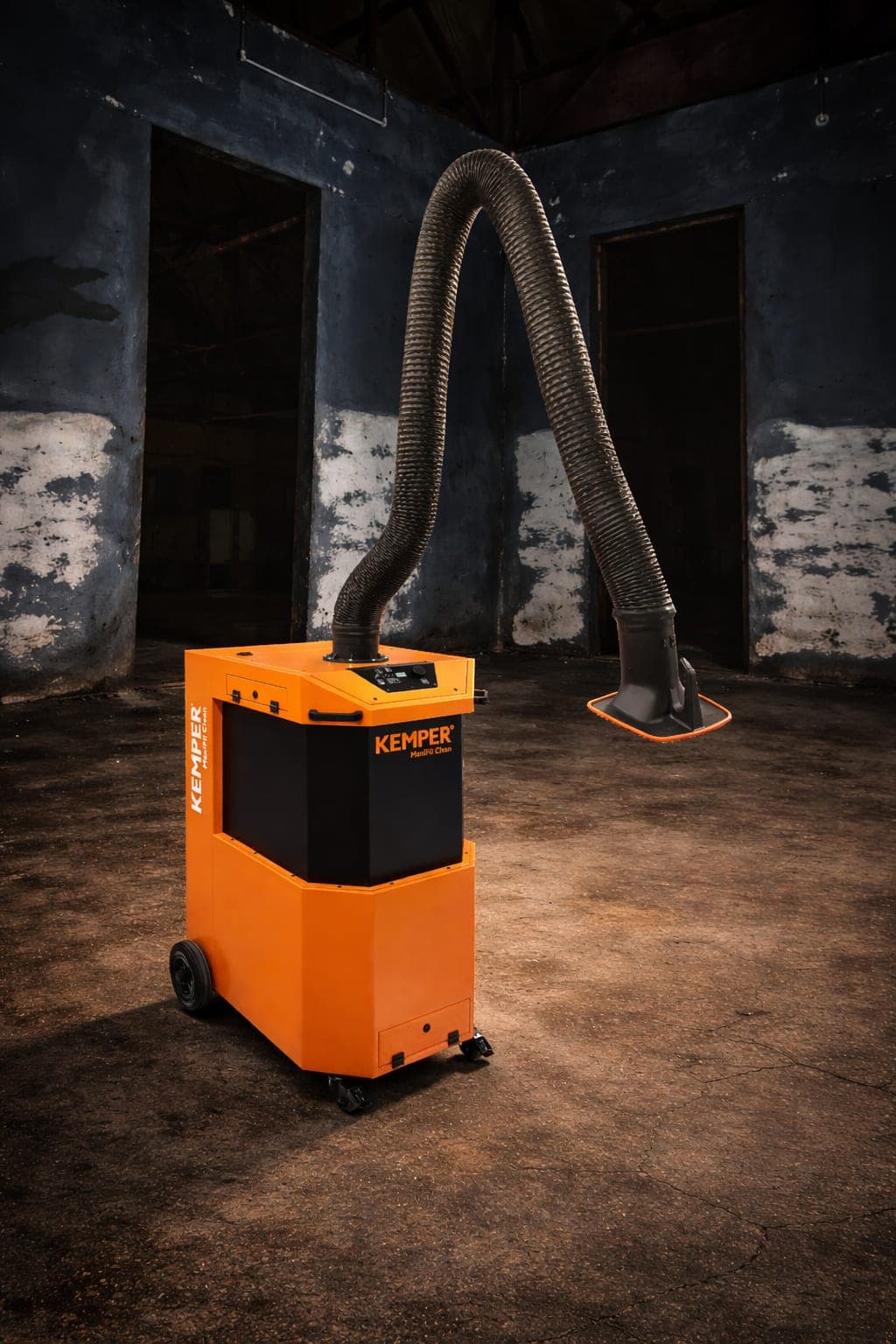
MaxiFil Clean
Connection: BridgeExtraction and filter unit, connected via the KEMPER Connect Bridge.
What you see
- Device status RUNNING / STOPPED, filter cleanings, maintenance due with remaining hours and progress bar, operating hours.
- Filter pressure in mbar as the central metric and pressure history over 24 hours. Rising filter pressure indicates filter saturation and thus the upcoming filter replacement.
- Error and warning messages in plain language with “Contact support”.
What you evaluate
- Day, week, month; pressure statistics (average, minimum, maximum).
What you can do
- Start and stop via the Bridge, with confirmation prompt.
Service and errors
- Maintenance countdown in operating hours with the notices “Maintenance due soon” and “Maintenance overdue”.
- Uniform error catalog of the Bridge machines: ten errors, eight warnings.
In automation
- Target of the Rule Engine (on/off), of schedules, and of basic automation.
The value
Make filter replacement predictable and switch the unit remotely.
Rising pressure shows the filter load, the drop shows the automatic cleaning. Illustration, not measured data.
Features at a glance
- Connection
- Bridge
- History
- day, week, month
- Remote start / stop
- yes
- Service countdown
- yes
- Error/warning codes in plain language
- yes
- Rule Engine
- unit, on/off
- Schedules
- yes
- Site page
- Service