

KEMPER Connect Bridge
Existing units? Attach it, done.
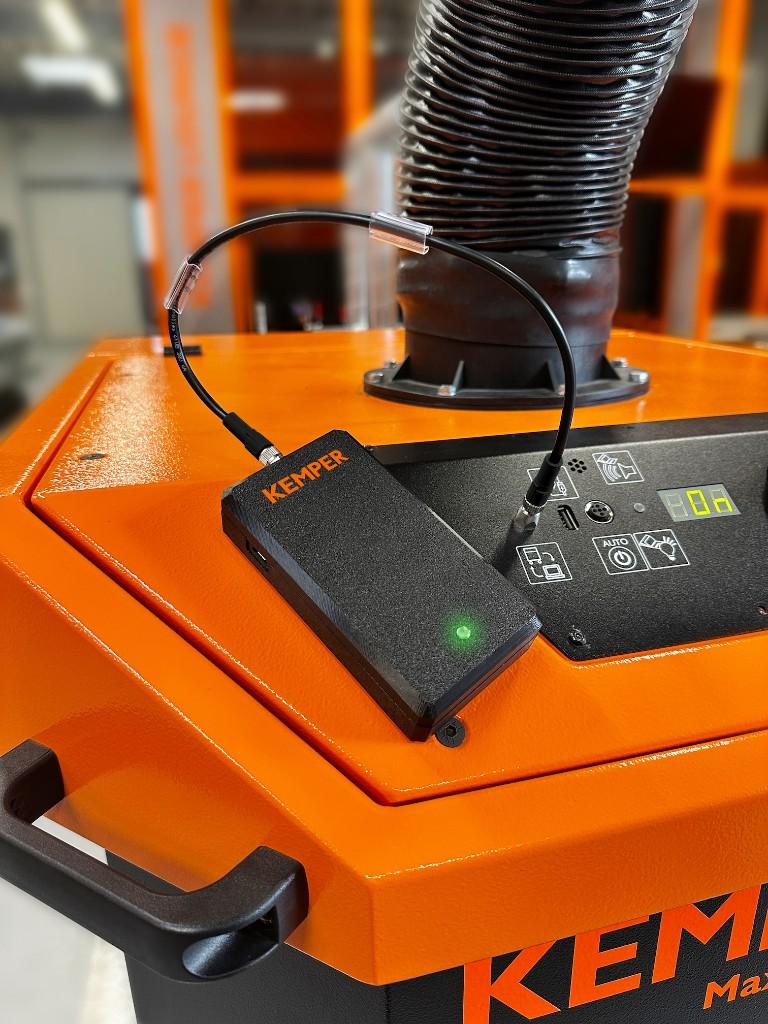
The KEMPER Connect Bridge is a small gateway that attaches to an existing KEMPER machine and transmits its operating data to KEMPER Connect. Power comes through the machine cable, the connection runs over cellular. No Wi-Fi, no network cabling, no PIN code.
What makes it special
The Bridge appears as the machine it is attached to
As soon as the Bridge has detected the connected machine, name, product image, dashboard, history, and features automatically switch to that machine type. Nobody has to select the type by hand.
For the user there is no difference between a natively connected and a retrofitted machine: a VacuFil Compact on the Bridge is a VacuFil Compact in KEMPER Connect, with everything that belongs to it. In the Rule Engine, schedules, and automation it is available under its real machine name.
- 1Connect
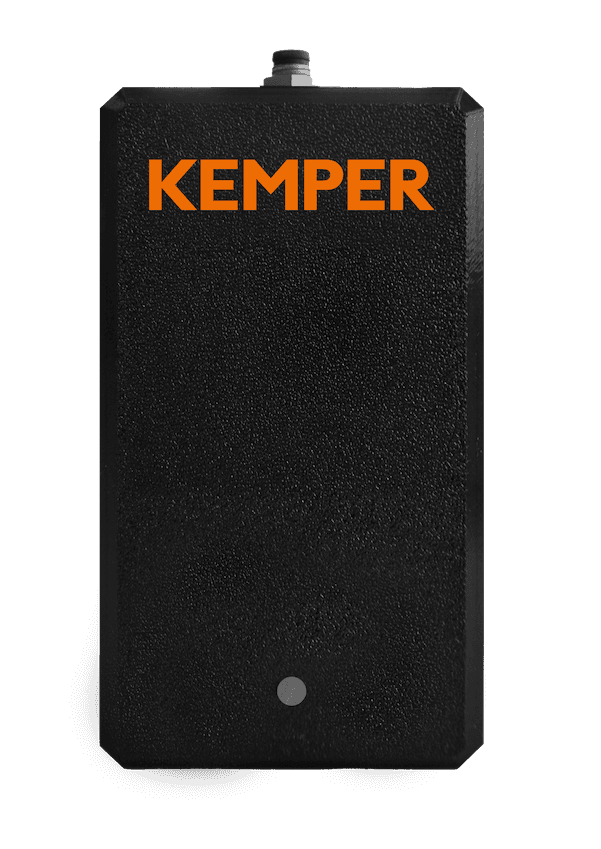
Attach the Bridge to the machine and switch the machine on.
- 2Green LED
Pulsing green means: connected, via cellular.
- 3Serial number
“Add device”, type KEMPER Connect Bridge. No PIN.
Supported machines
Which machine becomes which dashboard
| Connected machine | Appears in KEMPER Connect as |
|---|---|
| VacuFil Compact | VacuFil Compact dashboard: status, filter cleanings, service due, remote start and remote stop |
| MaxiFil Clean | MaxiFil Clean dashboard: filter pressure in mbar as saturation indicator, remote start and remote stop |
| Automation Line | Automation Line dashboard: motor temperature, cleaning counter, remote start and remote stop |
| AirDome | AirDome dashboard: volume flow, cleanings, service due, remote start and remote stop |
| CleanAirTower (self-cleaning) | CleanAirTower dashboard: volume flow, cleanings, service due, remote start and remote stop |
The CleanAirTower SF 9000 connects natively, not via the Bridge.
Setup
Connected in three steps
- 1
Attach the Bridge
Attach the Bridge to the machine and switch the machine on. An integrated magnet holds the Bridge on the machine.
- 2
Wait for the status LED
Pulsing green means: connected. The Bridge uses LTE with automatic fallback to 3G or 2G and transmits every five minutes.
- 3
Register in KEMPER Connect
“Add device”, choose the device type “KEMPER Connect Bridge”, enter the serial number. No PIN code needed. The serial number is accepted as printed on the device, with or without hyphens, upper or lower case.
As you type, the app shows how many characters are still missing and points out typos. Until the first data arrives, the unit shows “awaiting data” with its connection status and a link to the connection guide.
What a Bridge machine can do
Everything that makes a connected unit
Live dashboard and history
Device status, key figures, and 24-hour history; evaluation by day, week, and month.
Remote start and remote stop
The Bridge passes start and stop commands on to the machine, with a safety prompt and feedback.
Errors and warnings in plain language
A uniform catalog of ten errors and eight warnings, including the IFA-relevant signal “volume flow too low” (IFA: the German Social Accident Insurance institute).
Service countdown
Remaining operating hours until service for VacuFil Compact, MaxiFil Clean, AirDome, and CleanAirTower.
Rule Engine, schedules, automation
Bridge machines are available in all automation tools under their machine name.
Service report
Bridge machines appear with status, hours, and codes on the service page and in the report to the service partner.
For sales and dealers
One device, many machine types
A Bridge can be moved from machine to machine; the dashboard adapts every time. A field sales representative or dealer can thus show the KEMPER Connect experience for many machine types with a single device, at the customer site or at a trade show.
Together with the QR code sign-in on a tablet, the demonstration is set up in a few minutes.
Hardware
Key data
| Feature | Value |
|---|---|
| Model variants | 3605615 (Europe, Middle East, Africa, Asia, Australia, New Zealand) and 3605616 (USA, Canada, Mexico) |
| Connection | Cellular LTE, automatic fallback to 3G/2G; data transmission every five minutes |
| Power supply | Through the machine cable; 4-pin M8 connector, cable 0.6 m (5 m extension as accessory) |
| Mounting | Integrated magnet |
| Protection class and environment | IP 42, operation at +5 °C to +40 °C, indoor use only |
| Weight | 0.2 kg |
| Maintenance | Maintenance-free; firmware updates are carried out by KEMPER |
Good to know
The CleanAirTower (self-cleaning) can be started and stopped via the Bridge; dashboard and history use its native data connection. The CleanAirTower SF 9000 connects natively only.
Other devices such as AirWatch, VacuFil 125, or the climate and noise sensors have their own connectivity and do not need a Bridge.
PLC-controlled filter units such as WeldFil, VacuFil 2000/4000, or KemJet connect through the KEMPER Connect IoT Kit.
The machines on the Bridge
Which existing units do you have?
We check with you which machines can be retrofitted and show you the Bridge in action.